Hidden Camera Detector – Peek: scan hotel rooms for spy cameras with your phone.
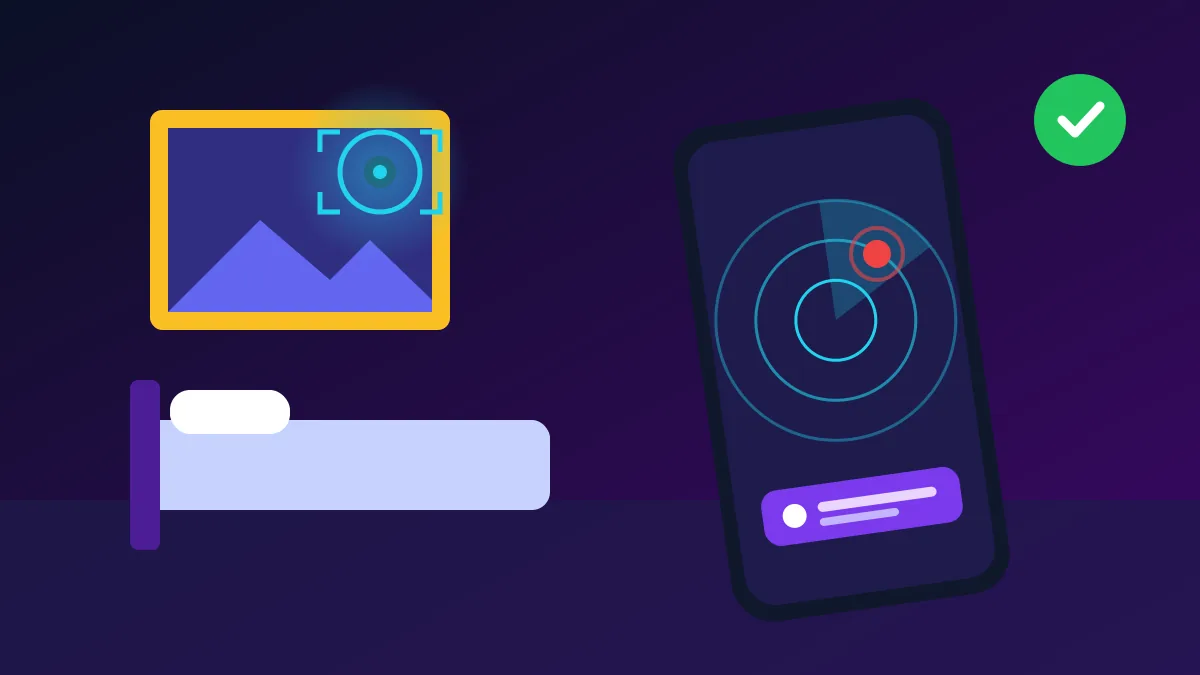
A hidden camera detector app can give you quick peace of mind when you check into a hotel, homestay or rented flat. Peek is one such app that turns your smartphone into a simple privacy scanner. It uses your phone’s sensors, camera and Wi-Fi connection to point out suspicious devices, so you can inspect the room more carefully before you relax, change clothes or sleep.
In this guide, we explain what the Peek app does, how each detection method works and how to use it step by step. We also share honest limits, pricing details and manual checks you should combine with the app. No phone app can promise to find every camera, but used correctly, it makes your room inspection faster and much more organised.
What Is Hidden Camera Detector – Peek?
Hidden Camera Detector – Peek is developed by 88 Tech and is available on both iPhone and Android. On the App Store it has a 4.4 rating from about 17,000 ratings, and on Google Play it has more than 1 lakh downloads with a 4.4 rating. The app is free to download, but full scan results and extra features need a paid subscription.
Peek App at a Glance
| Detail | Information |
|---|---|
| Developer | 88 Tech |
| Platforms | iPhone, iPad and Android |
| Rating | 4.4 App Store, 4.4 Google Play |
| Price | Free download, paid premium plans |
| Main tools | Magnetic scan, Wi-Fi scan, camera lens check |
Key Features of the Hidden Camera Detector App
1. Magnetic Sensor Scan
Peek uses your phone’s built-in magnetometer to measure changes in the magnetic field around you. Electronic parts, wiring and small speakers create magnetic signals, so a sudden spike near a smoke detector, clock or charger can be a warning sign. Remember that metal objects and normal electronics also cause spikes, so treat every alert as a reason to inspect, not as proof.
2. Wi-Fi Network Device Scan
Many modern spy cameras stream video over Wi-Fi. The network scanner lists every device connected to the same Wi-Fi as your phone, such as TVs, routers and smart plugs. If you see an unknown camera brand or an unnamed device in a small room, ask the property owner about it. Cameras on a separate hidden network or recording to a memory card will not appear here.
3. Camera Lens Detection
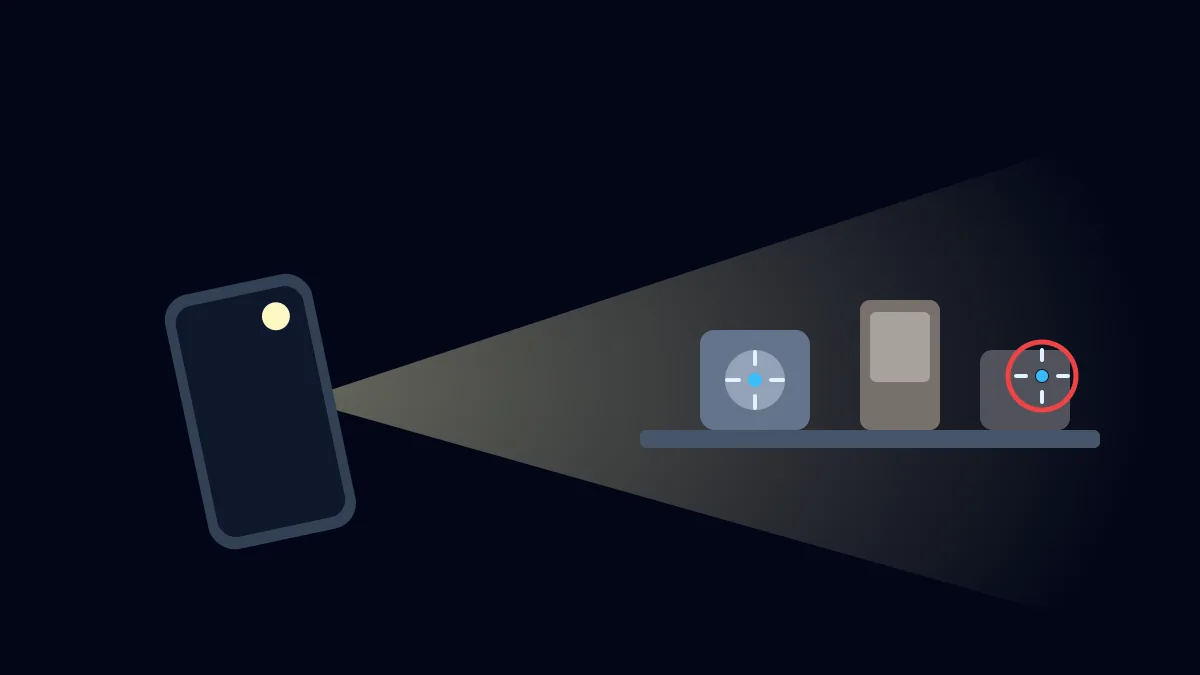
The app also uses your phone’s camera to look for the shiny reflection of small camera lenses. According to the developer’s update notes, an AI feature highlights objects that look like lenses while you slowly move the phone around the room. This works best in a dark room, because tiny lenses reflect light and stand out clearly when the room lights are switched off.
4. Privacy Inspection Guides
The hidden camera detector also includes simple guides that explain where hidden cameras are usually placed, such as smoke detectors, wall clocks, photo frames, USB chargers and air purifiers. The checklist helps beginners inspect a room in a logical order instead of searching randomly. Combined with the scanning tools, these guides make the whole process faster, calmer and more thorough for families and solo travellers.
How to Use the Peek Hidden Camera Detector: Step-by-Step
Step 1: Install the App and Allow Permissions
Download the Peek hidden camera detector from the official store using the buttons below. When you open it, allow camera access for lens detection and local network access for the Wi-Fi scan; some versions also ask for location on Android. Skip any paid offer screen if you only want to test the free tools first, and check the subscription price carefully before you confirm any purchase.
Step 2: Run the Wi-Fi Network Scan
Connect your phone to the hotel or rental Wi-Fi and open the network scan. Wait until the list is complete, then look for devices labelled as cameras, unknown manufacturers or names you cannot explain. Take a screenshot of anything suspicious. If the property has no guest Wi-Fi, skip this step and focus on the magnetic and camera lens checks in the next steps.
Step 3: Check Objects with the Magnetic Scanner
Open the magnetic sensor tool and move your phone slowly, about two to three centimetres away from common hiding spots. Check smoke detectors, chargers, clocks, mirrors, lamps and the area near the bed and bathroom. Watch for a sudden jump in readings that does not match a visible electronic item. Note those spots and inspect them closely with your eyes and a torch.
Step 4: Scan for Lenses and Inspect Manually
Switch off the room lights and close the curtains, then start the camera lens detector. Move the phone slowly around the room and pause wherever the app highlights a reflection. Also shine your phone torch across the room and look for tiny glints. If you find a real camera, do not touch it; take photos, leave the room and report it to the hotel and police.
Frequently Asked Questions
Is the Peek hidden camera detector app free?
The app is free to download, but many detailed results and unlimited scans need a subscription. The App Store lists in-app purchases from about $6.99 to $59.99, and some users say free results are blurred until they pay. Check the plan before subscribing, and learn how to cancel it from your Google Play or Apple ID subscription settings to avoid unwanted charges.
Final Words
Table of Contents
The Peek hidden camera detector is a useful first check for anyone who travels often or stays in unfamiliar rooms. Its magnetic scanner, Wi-Fi scan and lens detection together cover the most common types of spy cameras. Still, no app is perfect, so always combine it with a careful manual inspection and trust your instincts when something in the room looks odd.
For better network safety, also read our guide on the Fing app to see who is on your WiFi. Keep your own phone secure, avoid charging it with unknown USB cables in hotels, and report any recording device you find. Staying alert and using the right tools is the best way to protect your privacy wherever you travel.
Internal Link List — Copyglue
- Fing App: See Who Is on Your WiFi
- How to Protect Your Phone From Hackers
- WTMP – Who Touched My Phone App