by
Losing your smartphone feels like losing a part of your life. Your photos, bank apps, UPI, WhatsApp chats and OTPs all live on that one device. The good news is that India has an official, free system that lets you block lost phone handsets in a few minutes, so nobody can use them on any mobile network in the country.
In this guide you will learn exactly how to block lost phone devices using the Sanchar Saathi portal and its CEIR service, what documents you need, how to check the status of your request, and how to unblock the phone if you get it back. Every step is explained in simple language, so even a first-time user can finish the process without help.

What Does It Mean to Block Lost Phone Devices in India?
Every mobile phone has a unique 15-digit number called the IMEI (International Mobile Equipment Identity). Dual-SIM phones usually have two IMEI numbers. When you block lost phone handsets through the government system, these IMEI numbers are added to a central blacklist that is shared with all telecom operators.
Once the IMEI is blacklisted, the phone cannot make calls, send SMS or use mobile data on any Indian network, even if the thief removes your SIM and inserts a new one. This makes the stolen device almost useless for resale and gives you peace of mind.
The system that does this is called CEIR, which stands for Central Equipment Identity Register. It was developed by C-DOT for the Department of Telecommunications (DoT) and is now available to every citizen through the Sanchar Saathi portal and the Sanchar Saathi mobile app.
Why You Should Block Your Phone Quickly
- It stops strangers from using your phone on any Indian mobile network.
- It reduces the chance of misuse of your number, contacts and saved accounts.
- It helps police trace the device if someone tries to use it with a new SIM.
- It creates an official record that protects you if the phone is used for fraud.
- It is completely free and can be done from any computer or another phone.
Things to Do Before You Block Lost Phone Handsets
Before you open the portal, take a few minutes to prepare. Having the right details ready makes the form quick and reduces the chance of your request being rejected.
1. File a Police Complaint or FIR
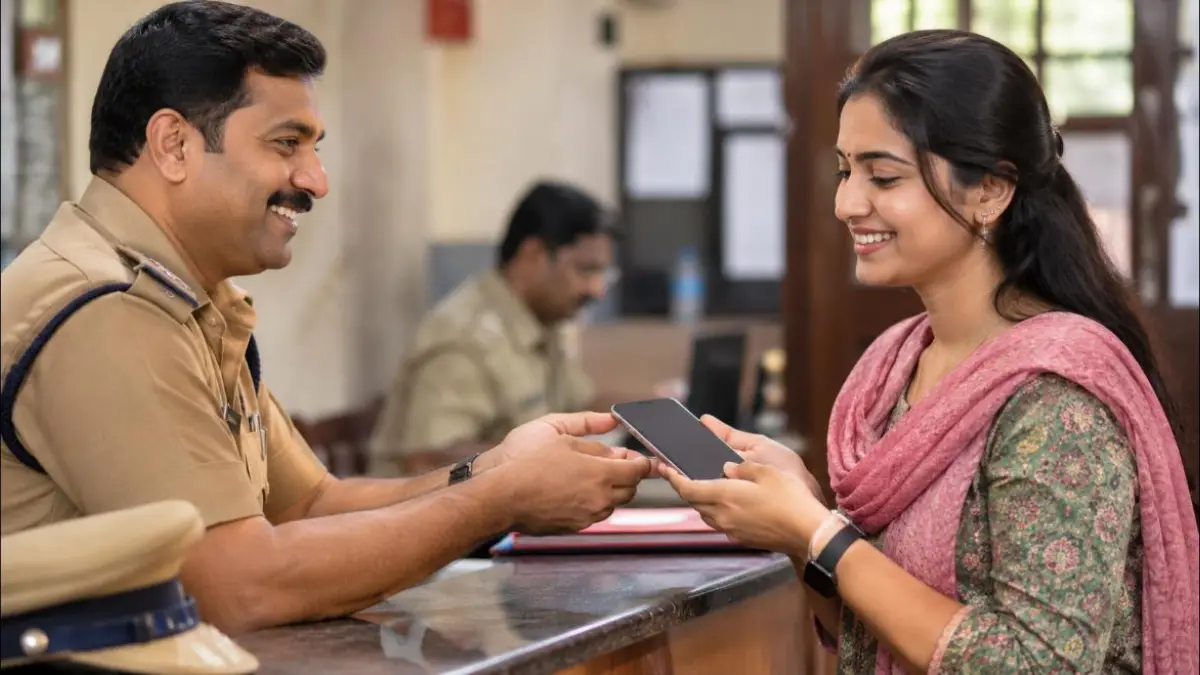
The portal asks for a police complaint number and the police station details. You can file a complaint at your nearest police station or use your state police online portal, where many states allow lost article reports online. Keep a copy of the complaint because you will upload it during the process.
2. Get a Duplicate SIM for Your Lost Number
Visit your telecom operator store (Jio, Airtel, Vi or BSNL) and request a replacement SIM for the same number. This step is important because the OTP for the block lost phone request is sent to your registered mobile number. A duplicate SIM also stops anyone from receiving your bank OTPs on the old SIM.
3. Find Your IMEI Number
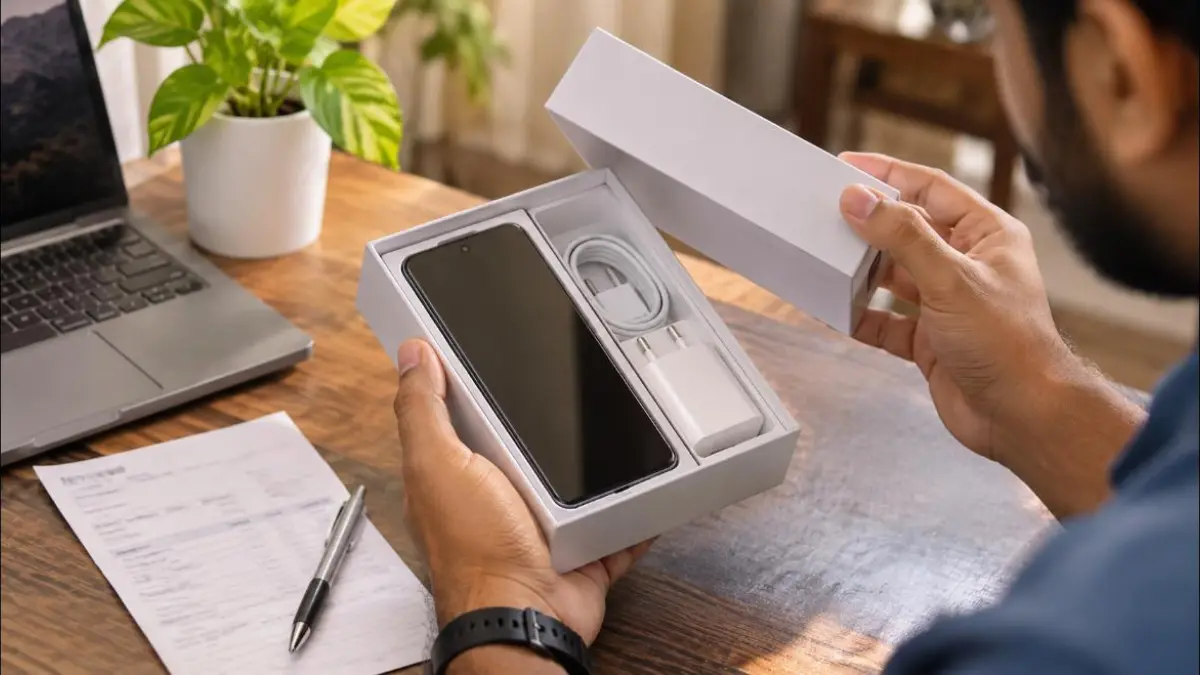
You can find the IMEI on the original phone box, on the purchase invoice, or in your Google account device list. If you still had the phone, dialing *#06# would show it, but since the phone is lost, the box and bill are the easiest sources. Write down both IMEI numbers if your phone is dual SIM.
4. Keep These Documents Ready
- Copy of the police complaint or FIR (PDF or image).
- Government ID proof such as Aadhaar card, PAN card, voter ID or driving licence.
- Purchase invoice of the mobile phone, if available.
- Phone brand, model name and IMEI number(s).
- Date, place, district and state where the phone was lost.
If you need a copy of your ID first, you can read our guide on how to download voter ID online or apply for a duplicate PAN card online.
How to Block Lost Phone on Sanchar Saathi: Step-by-Step
Now that your documents are ready, follow these steps carefully. The whole process takes about ten minutes if you have the details in hand. You can use a laptop, a desktop computer or a family member’s phone.
- Open the official portal. Go to the Sanchar Saathi official website using any browser. You can also use the Sanchar Saathi app from the Play Store or App Store.
- Choose Citizen Centric Services. On the home page, look for the citizen services section and click the option to block your lost or stolen mobile handset.
- Select the block option. On the CEIR page, choose Block Stolen/Lost Mobile. A form with three sections will open.
- Enter device information. Fill in the mobile numbers used in the phone, both IMEI numbers, the device brand and model, and upload the purchase invoice if you have it.
- Enter lost information. Add the place, date, state, district and police station where the phone was lost, along with the police complaint number, and upload the complaint copy.
- Enter owner details. Type your name, address, ID proof type and number, and upload the ID proof. Add your email address so you get updates.
- Verify with OTP. Enter a mobile number to receive the OTP. This is usually your duplicate SIM number. Type the OTP to verify.
- Accept the declaration and submit. Tick the declaration box and click submit. The portal will show a Request ID. Save it, take a screenshot and note it on paper.
That is all you need to block lost phone handsets online. The request is shared with telecom operators and law enforcement, and the IMEI is usually blocked within a short time after verification.
Tips to Avoid Rejection
Most rejections happen because of small mistakes. Double-check the IMEI number digit by digit, because one wrong digit means the system will try to block a different device. Make sure the police complaint number matches the uploaded copy exactly.
Use clear, readable scans of your documents. Blurry photos or cut edges can slow down verification. If your request is rejected, read the reason given on the status page, correct the details and submit a new request.
How to Check Your Block Lost Phone Request Status
After you submit, you can track the progress of your request at any time. This is useful if you want to confirm that the phone has actually been blocked or if you need to share the status with police or your insurer.
- Open the Sanchar Saathi portal and go to the block lost or stolen handset section.
- Click Check Request Status.
- Enter your Request ID and fill in the captcha.
- Submit to view the current status.
| Status | What It Means | What You Should Do |
|---|---|---|
| Under Process | Your request is being verified. | Wait and check again later. |
| Blocked | The IMEI is blacklisted on Indian networks. | Keep the Request ID safe for future use. |
| Rejected | Details did not match or were incomplete. | Correct the errors and file a fresh request. |
What Happens After You Block Lost Phone Handsets?
Once the IMEI is blocked, any attempt to use the phone with a SIM card on an Indian network is detected. The system can record which SIM was inserted, and this information may be shared with police to help trace the device. Many people have recovered their phones this way.
However, blocking does not erase your data, and it does not stop the phone from working on Wi-Fi. That is why you should also take a few extra security steps, which we cover below. Think of the decision to block lost phone devices as the first layer of protection, not the only one.
Does Blocking Work on All Networks?
Yes. CEIR is a central database used by all licensed telecom service providers in India. Whether the thief uses Jio, Airtel, Vi or BSNL, a blacklisted IMEI will not get network service. This is the main reason the government system is more powerful than simply blocking the SIM.
Extra Security Steps After You Block Lost Phone
Blocking the IMEI protects the hardware, but your accounts need separate attention. Follow this checklist on the same day you block lost phone devices, ideally from a trusted computer.
Secure Your Google or Apple Account
For Android phones, sign in to your Google account on another device and open the Find My Device page. From there you can play a sound, lock the phone with a message, or erase it completely if it is online. iPhone users can use Find My on iCloud to mark the device as lost. If you want more ideas to locate a phone nearby, see our find lost phone clap sound trick.
Change your Google or Apple ID password and remove the lost phone from the list of trusted devices. This signs the phone out of Gmail, YouTube, Drive and other linked services.
Protect Your Bank and UPI Apps
- Call your bank customer care and ask them to block mobile banking on the lost device.
- Use the official app of each UPI service on a new phone to deregister the old device, or contact their support.
- Change your net banking password and your UPI PIN after setting up the new phone.
- Watch your bank SMS and email alerts closely for the next few weeks.
If you ever send money to the wrong person during this stressful time, our guide on getting a wrong UPI payment back explains the steps.
Secure WhatsApp and Social Media
Install WhatsApp on your new phone with the duplicate SIM and verify your number. This automatically logs out the old device. For Instagram, Facebook and X, change your passwords and log out of all sessions from the security settings.
How to Unblock Your Phone If You Find It
Sometimes a lost phone is found later, perhaps left in an auto, at a friend’s home or handed in by an honest person. In that case you can unblock it using the same portal.
- Open the Sanchar Saathi portal and go to the lost or stolen handset section.
- Select Unblock Found Mobile.
- Enter your Request ID, the mobile number used during blocking, and the reason for unblocking.
- Verify the OTP sent to your registered number.
- Submit the request and wait for the confirmation.
The phone will start working on mobile networks again once the unblock request is processed. Also inform the police station that the phone has been recovered, so your complaint can be closed properly.
Block Lost Phone vs Block SIM: What Is the Difference?
Many people think that blocking the SIM is enough. It is not. Blocking the SIM only stops your number from working. The thief can still insert any other SIM and use your handset. When you block lost phone handsets via CEIR, the device itself stops working on networks, no matter which SIM is used.
| Feature | Block SIM | Block Phone (IMEI) |
|---|---|---|
| Who does it | Your telecom operator | Sanchar Saathi CEIR system |
| What is stopped | Your mobile number | The handset on all networks |
| Works with new SIM | Yes, handset still usable | No, handset is blacklisted |
| Helps tracing | Limited | Yes, alerts when a SIM is used |
| Cost | Free | Free |
The best approach is to do both. Get a duplicate SIM so your number is safe, and then block lost phone hardware so the device is useless to anyone else.
Common Mistakes to Avoid
- Waiting several days before filing the complaint. Act on the same day if possible.
- Typing the IMEI incorrectly or entering only one IMEI for a dual-SIM phone.
- Using an unofficial website or app that asks for money to block your phone. The government service is free.
- Losing the Request ID, which you need for status checks and unblocking.
- Forgetting to secure bank, UPI and email accounts after the device is blocked.
Who Can Use the Block Lost Phone Service?
Any person in India who has lost a mobile phone or had it stolen can use this service. You do not need to be the original buyer, but you must be the current user with valid ID proof and a police complaint. Parents can file on behalf of children, and employers can help staff with company phones, as long as the details are correct.
The service works for both Android phones and iPhones, and for basic feature phones as well, because every handset has an IMEI. Even if your phone is old or cheap, it is worth taking the time to block lost phone devices, because the SIM slot and your personal data still carry risk.
Quick Checklist to Block Lost Phone in 2026
Save this short checklist on your new phone or print it for your family. When panic sets in, a simple list helps you act in the right order and block lost phone devices without missing a step.
- Try calling the number and use Find My Device to locate or lock the phone.
- File a police complaint and note the complaint number.
- Get a duplicate SIM from your operator for the same number.
- Find both IMEI numbers from the box or invoice.
- Open Sanchar Saathi and submit the request to block lost phone hardware.
- Save the Request ID and check the status after some time.
- Change passwords for email, banking, UPI and social media.
Following these steps in order means you block lost phone access to the network, protect your money and lock your personal accounts on the same day. It is also a good idea to note your IMEI numbers today, while your phone is still with you, so you can block lost phone devices faster if anything ever goes wrong.
Frequently Asked Questions
Is it free to block lost phone devices on Sanchar Saathi?
Yes. The Sanchar Saathi and CEIR services are provided by the Department of Telecommunications free of cost. Never pay any agent or website that offers to block your phone for a fee.
Can I block lost phone handsets without an FIR?
The form asks for a police complaint number and a copy of the complaint. Many state police websites let you report a lost mobile online and give you a complaint number, which you can then use on the portal.
What if I do not know my IMEI number?
Check the original box, the purchase bill, or the device list in your Google account. You can also ask the store where you bought the phone, as they often keep the IMEI on the invoice record.
Will blocking my phone erase my data?
No. Blocking the IMEI only stops network access. To erase data, use Google Find My Device or Apple Find My while the phone is online.
Can a blocked phone be tracked?
When someone inserts a SIM into a blocked phone, the system can detect it and share the details with law enforcement. This helps police trace the device, though recovery is not guaranteed.
How do I unblock my phone after I find it?
Use the Unblock Found Mobile option on the Sanchar Saathi portal, enter your Request ID and verify with OTP. The phone will work normally after the request is processed.
Can I use the Sanchar Saathi app instead of the website?
Yes. The official Sanchar Saathi app offers the same services, including the option to block lost phone handsets, check status and unblock. Download it only from the official app stores.
Conclusion
Losing a phone is stressful, but you do not have to feel helpless. With a police complaint, a duplicate SIM and your IMEI number, you can block lost phone handsets on Sanchar Saathi in about ten minutes and make the device useless to anyone else.
Remember to save your Request ID, secure your Google, bank and UPI accounts, and unblock the phone if you get it back. Share this guide with friends and family, so they know exactly what to do if it ever happens to them.