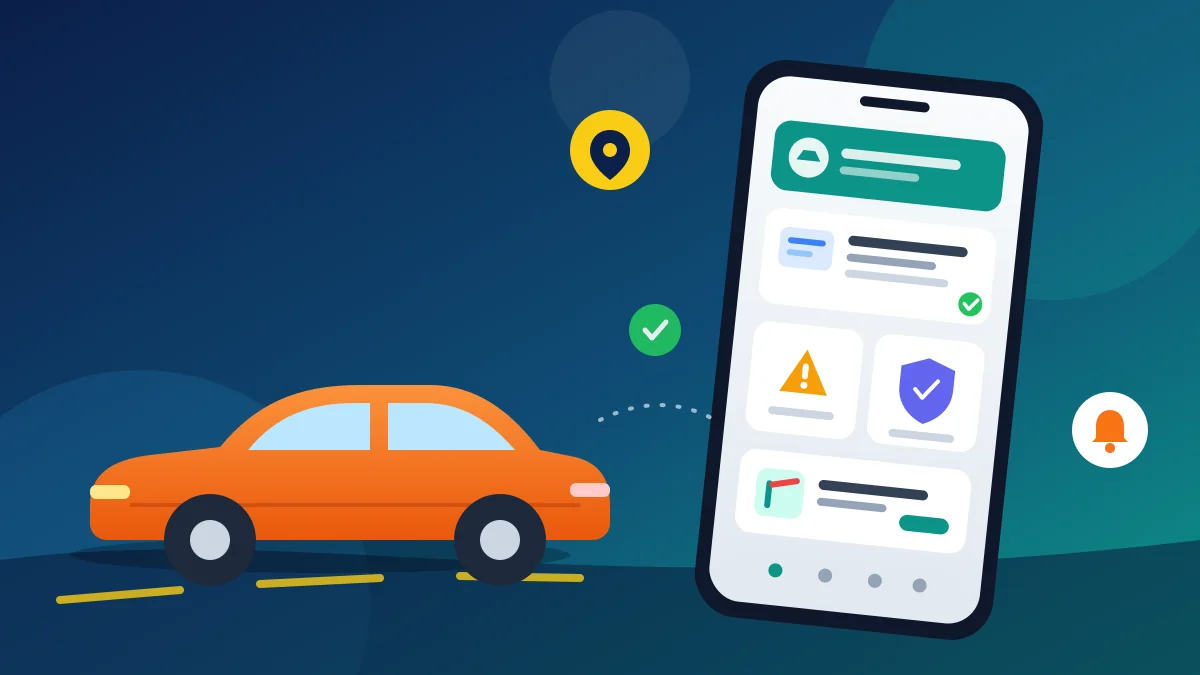
CarInfo app lets you check RTO vehicle information, pending challans, insurance and pollution expiry, and FASTag balance for any Indian car or bike from one simple screen.
The CarInfo app is one of the most popular vehicle information apps in India. By entering a registration number, you can see basic RC details, check challan online, get insurance and PUC expiry reminders, and even recharge FASTag without visiting an RTO office.
In this guide, we explain what the app does, its most useful features, how to download it on Android and iPhone, and the safety points you should keep in mind before paying fines or sharing documents through it.
What Is the CarInfo App?
CarInfo – RTO Vehicle Info App is a free vehicle management app developed by Cuvora. It collects publicly available registration data from the Parivahan and mParivahan systems and shows it in an easy format. You can save your own cars and bikes in a personal garage and receive alerts before important documents expire.
In January 2026, used-car platform CARS24 acquired CarInfo. According to BW Disrupt, CarInfo and its sister app BikeInfo continue to run as standalone apps.
Note: CarInfo is a private app. It is not an official RTO or Government of India service, and the app itself clearly states this in its disclaimer.
CarInfo App at a Glance
| Detail | Information |
|---|---|
| App name | CarInfo – RTO Vehicle Info App |
| Developer | Cuvora (acquired by CARS24 in 2026) |
| Platforms | Android and iPhone |
| Downloads | 5 crore+ on Google Play |
| Rating | 4.5 on Google Play, 4.7 on the App Store |
| Price | Free (contains ads; some reports and services are paid) |
| iPhone requirement | iOS 14.0 or later |
7 Amazing Features of the CarInfo App
1. RTO Vehicle Information by Number
Type any registration number to see RTO vehicle information such as the registering RTO, vehicle model, fuel type, registration date and insurance validity. This is helpful after a minor accident, when a vehicle is parked in front of your gate, or when you are planning to buy a used car.
2. Check Challan Online
You can check challan online for your car or bike and view pending e-challans in one list. The app also shows information about Lok Adalat sessions, where eligible traffic fines may be settled.
3. Insurance and PUC Expiry Reminders
The app tracks the insurance and pollution certificate (PUC) expiry dates of vehicles saved in your garage. You get reminders before they expire, so you can renew on time and avoid fines.
4. FASTag Recharge
FASTag recharge is supported for tags issued by more than ten banks, including SBI, IDFC FIRST and IDBI. You can also buy a new FASTag from partner banks inside the app.
5. Personal Garage
Add all your family vehicles to a personal garage. Each vehicle card shows its key documents and due dates, which is useful if you manage more than one car or bike.
6. Service History and Resale Value
For many vehicles, the app offers a service history report with odometer readings, accident records and replaced parts. It can also estimate resale value. Note that detailed reports may be paid, so check the price before you buy one.
7. Buy and Sell Cars
You can compare used-car listings and get selling quotes from partners such as CARS24 and Spinny. Loan and insurance offers are provided through partner companies, not by CarInfo directly.
How to Download the CarInfo App
- Open the store: Go to Google Play on Android or the App Store on iPhone.
- Search: Type “CarInfo” and select CarInfo – RTO Vehicle Info App. On iPhone the listing name is CarInfo – Vehicle Information.
- Check the developer: Make sure the developer is shown as CarInfo/Cuvora before installing.
- Install and open: Tap Install, open the app and sign in with your mobile number using OTP.
How to Check Vehicle Owner Details Using CarInfo
- Open the app and tap the search bar on the home screen.
- Enter the full registration number, for example KL07AB1234.
- Tap Search to view the RC summary.
- Scroll down to see insurance validity, PUC status and challan information.
- Tap Add to Garage if it is your own vehicle and you want reminders.
For privacy reasons, full owner names and addresses are not always visible. Use this information only for genuine needs such as accidents, used-car checks or document verification.
How to Check and Pay Challans Safely
Open your saved vehicle and tap the challan section to see pending fines. Before paying through any private app, we recommend checking the same challan number on the official Parivahan e-Challan portal. Some users on the App Store have reported payments that stayed pending, so always confirm that the status changes to Paid and keep the receipt. You can also read our guide on how to check vehicle challans online.
Is the CarInfo App Safe to Use?
The app is widely used and has very high ratings, but keep these points in mind:
- Not an official service: Owner details come from public Parivahan data, and the app is not linked to any RTO.
- Ads and partner offers: The free app shows ads and promotes partner insurance, loans and car deals.
- Loans: On Android, the app acts as a lead generator for CARS24 Financial Services. Read the APR and charges carefully before you accept any loan.
- Data safety: The Google Play data safety section says data is not encrypted in transit. Avoid uploading sensitive documents you do not need to share.
Who Should Use This App?
- Daily commuters who want timely insurance and PUC reminders.
- Used-car buyers who need a quick RC, challan and service-history check before paying an advance.
- Families with many vehicles who want all RC details in one garage.
- Highway travellers who recharge FASTag often and want a balance alert.
- Gulf NRIs and students who manage a vehicle at home in Kerala from abroad.
Useful Tips Before You Start
- Add only vehicles you own or have permission to manage in your personal garage.
- Turn on notifications so expiry reminders reach you in time.
- Compare insurance quotes with at least one other insurer before renewing.
- Before buying a used car, match the RC details in the app with the physical RC and chassis number.
- Take a screenshot of every payment receipt and note the transaction ID.
- Uninstall unofficial copies or modified APK files; download only from Google Play or the App Store.
CarInfo App vs mParivahan
| Feature | CarInfo | mParivahan (Official) |
|---|---|---|
| Run by | Private company (CARS24 group) | Ministry of Road Transport and Highways |
| RC and DL details | Yes | Yes, with official virtual RC/DL |
| Challan check | Yes | Yes, via Parivahan e-Challan |
| Insurance and PUC reminders | Yes | Limited |
| FASTag recharge | Yes | No |
| Ads | Yes | No |
If you need an officially valid digital RC or driving licence, use mParivahan or DigiLocker. For reminders, FASTag and quick vehicle checks, CarInfo is more convenient.
Pros and Cons
| Pros | Cons |
|---|---|
| All vehicle documents in one place | Not an official government app |
| Insurance and PUC expiry reminders | Ads and frequent partner offers |
| Quick RC check before buying a used car | Detailed reports can be paid |
| FASTag recharge for 10+ banks | Some users report challan payment delays |
Frequently Asked Questions
Is the CarInfo app free?
Yes. Downloading and basic searches are free. Some services such as detailed service history reports, insurance and accessories are paid.
Is CarInfo an official RTO app?
No. It is a private app that shows publicly available data from Parivahan. The official app of the Ministry is mParivahan.
Can I check the owner name of any vehicle?
The app shows basic registration details. Full owner information may be partly hidden to protect privacy.
Can I pay traffic fines in CarInfo?
Yes, but always verify the payment status on the official Parivahan e-Challan website and keep the receipt.
Who owns CarInfo now?
CARS24 acquired CarInfo in January 2026. The app continues to operate separately.
Final Words
Table of Contents
The CarInfo app is a handy all-in-one tool for Indian vehicle owners who want quick RC checks, challan alerts, insurance reminders and FASTag recharge in one place. Use it for convenience, but rely on official portals like Parivahan for payments and legal documents.
If you are planning to buy a used vehicle, also read our second-hand car buying checklist before you pay any advance.
Internal Link List — Copyglue
- Lost RC Book or Driving Licence: Get a Duplicate Online
- Driving License Renewal Online 2026
- How to Transfer Vehicle Ownership Online in India
- How to Update Mobile Number in RC Book Online
- FASTag Annual Toll Pass – How to Apply Online