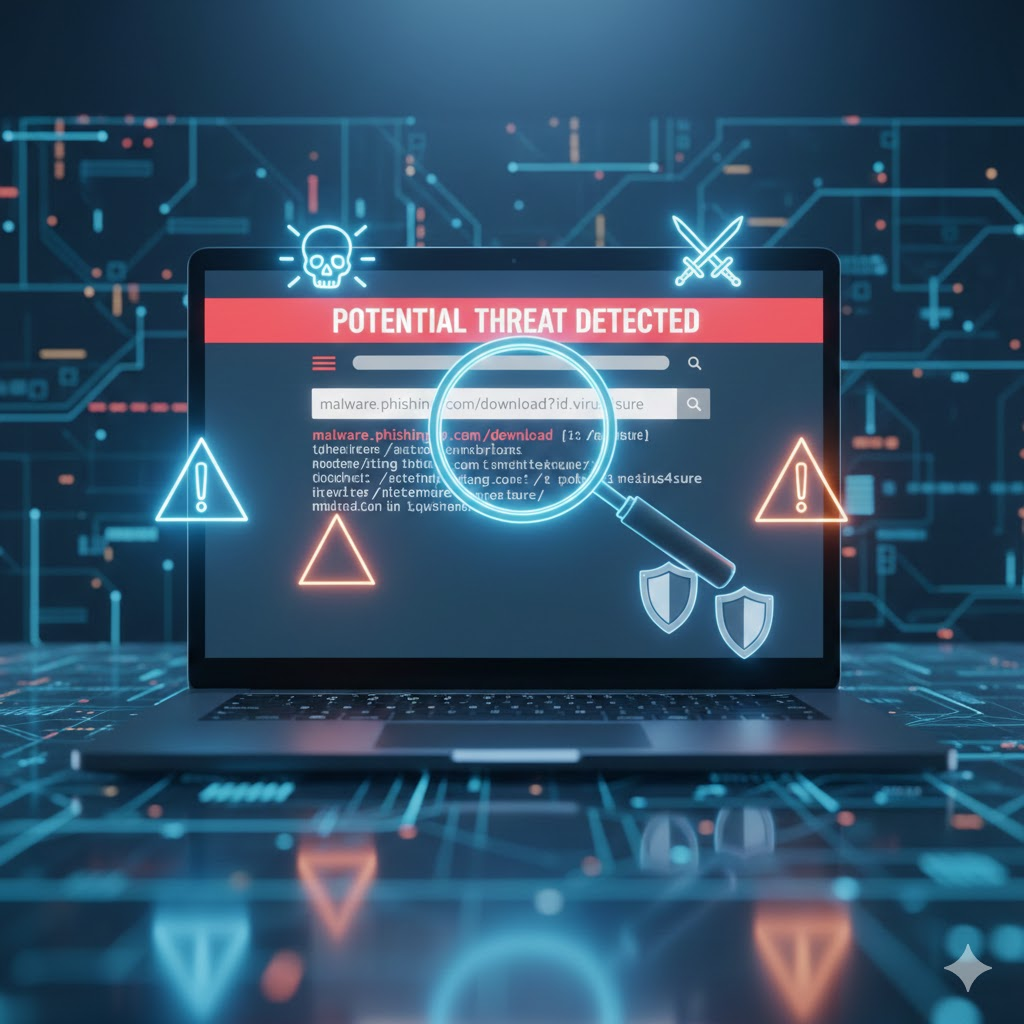
The internet has become a part of everyday life—shopping, banking, entertainment, and learning all happen online. But with this rise in digital activity comes an equally alarming increase in fake websites and online scams. Thousands of users fall victim to fraudulent pages designed to steal money, passwords, or personal information. That’s why learning How to Check If a Website Is Fake is one of the most important online safety skills today.
Scammers create professional-looking websites that appear genuine. These may include fake shopping sites, banking login pages, investment portals, or customer support sites. Without proper knowledge, anyone can be tricked into entering private details, leading to financial loss or identity theft.
This detailed guide explains How to Check If a Website Is Fake, step by step, using beginner-friendly methods, real-life examples, and trusted tools. By the end, you’ll know exactly how to avoid online scams and ensure your browsing experience is safe and secure.
What Is a Fake Website?
Before learning How to Check If a Website Is Fake, you must understand what these sites are and why they exist.
Types of Fake Websites
Fake websites come in different forms, including:
- Phishing sites pretending to be banks or platforms like Gmail, Facebook, PayPal
- Fake shopping websites offering unrealistic discounts
- Fake customer service pages designed to steal OTPs or passwords
- Fake investment websites promising high returns
- Malware-infected sites that download harmful files to your device
Why Scammers Create Fake Websites
Scammers use fake websites to:
- Steal money
- Collect credit card details
- Capture login passwords
- Install malware
- Steal identity information
- Trick victims into revealing OTPs or bank details
How People Commonly Get Fooled
People often fall for fraud because:
- The site looks professional and trustworthy
- The domain name looks similar to the real one
- Fake reviews or testimonials convince the user
- Huge discounts create urgency
- Scammers use paid ads to appear on top of search results
All of these underline the importance of learning How to Check If a Website Is Fake.
How to Check If a Website Is Fake (Step-by-Step Guide)
This is the most essential part of the article. Follow this detailed checklist to verify any website’s authenticity.
1. Check the Website URL Carefully
The first and most effective method of learning How to Check If a Website Is Fake is examining the URL.
A. HTTP vs HTTPS
- HTTPS (with a lock icon) means the site has a security certificate.
- HTTP (no lock) means the site is not secured.
Not all HTTPS sites are legitimate, but all legitimate sites must use HTTPS.
B. Misspellings
Fake websites often use small spelling changes:
- gooogle.com
- amaz0n.net
- paypaI.com (using capital i instead of L)
C. Extra Characters or Unusual Domains
Be careful of URLs that contain:
- Extra numbers
- Strange symbols
- Unnecessary words
Example:
official-bank-verify-login123.com → fake
This is a core step in How to Check If a Website Is Fake.
2. Look for SSL Certificate Information
An SSL certificate helps identify whether a website protects your data.
Click the padlock icon in the browser, and check:
- Certificate validity
- Who issued it
- Whether the certificate expired
If the certificate is invalid, that’s a strong sign of fraud.
This is a major part of any website authenticity guide.
3. Verify the About Us & Contact Details
Legitimate websites provide:
- Complete address
- Email ID
- Phone number
- Company registration details
Fake sites often have:
- No contact page
- Only a form with no real information
- Fake addresses (search them on Google Maps)
4. Check for Unusual Pop-ups or Ads
Pop-ups asking for personal information are a major scam website sign.
Be careful if the site asks for:
- Banking details
- OTP
- Credit card information
- Immediate payments
Fake websites frequently use aggressive pop-ups to trap users.
5. Verify Website Trust Score (Tools)
One of the most effective ways of learning How to Check If a Website Is Fake is by using trusted fake website checker tools.
Popular Tools:
🔸 ScamAdviser
Shows trust score, origin country, and risk factors.
🔸 VirusTotal
Scans websites for malware or phishing activity.
🔸 WHOIS Lookup
Reveals domain ownership, date of registration, and domain age.
If a domain was created recently (1–3 months ago), it may be unsafe.
6. Check Website Design Quality
Fake websites often have:
- Poor grammar
- Broken English
- Low-quality images
- Outdated design
- Non-working buttons
Professional brands always maintain clean, polished websites.
7. Look at Reviews on Google / Social Media
Search the website name on:
- Google Reviews
- Trustpilot
If you find complaints like:
- “I never received my order”
- “This is a scam site”
…that’s a clear indicator the site is unsafe.
8. Check for Plagiarized Content
Fake websites often copy content from legitimate ones.
Signs include:
- Repeated product descriptions
- Stock images
- Generic policy pages
Using a plagiarism checker helps determine authenticity.
This directly supports learning How to Check If a Website Is Fake.
9. Analyze Payment Methods
Scam websites usually:
- Do NOT offer Cash on Delivery
- Accept only prepaid payments
- Offer unknown payment gateways
Warning Signs of Fraud
- Asking for OTP
- Immediate payment pop-up
- No refund or return policy
A safe website always has trusted payment options.
Check Domain Age
Older domains are usually safer. You can check domain age via WHOIS tools.
Why it matters:
- Scam sites are created and shut down very quickly
- New domains without history are riskier
This is a crucial method in How to Check If a Website Is Fake.
Tools to Verify Fake Websites
These tools help you check website authenticity easily.
1. Google Transparency Report
Shows whether Google has detected unsafe or phishing activity on the site.
2. SSL Checker
Verifies the security certificate and encryption level.
3. URLVoid
Analyzes website reputation through multiple security engines.
4. Whois.com
Checks domain registration, owner details, and server information.
5. ScamAdviser
Provides a trust score, reliability rating, and scam indicators.
These tools are essential for anyone learning How to Check If a Website Is Fake.
Real-Life Examples of Fake Website Tricks
Scammers use clever tactics to trick users. Understanding these helps you identify fraud faster.
1. Fake Shopping Sites
- Offer 70–90% discounts
- Show fake reviews
- Copy real brand logos
2. Fake Banking Websites
- URL looks similar to official bank sites
- Designed to steal login details
3. Fake Login Pages
Used in phishing scams for:
- Gmail
- PayPal
4. Fake Giveaway Pages
- “Congratulations! You won an iPhone!”
- Ask for card details to “claim reward”
These examples prove why knowing How to Check If a Website Is Fake is essential for online fraud prevention.
Safety Tips for Online Users
Use these rules daily to stay safe online:
- Avoid clicking on suspicious links
- Never enter OTP on unknown websites
- Double-check spelling in URLs
- Use strong passwords
- Enable 2-factor authentication (2FA)
- Install antivirus software
- Avoid offers that look “too good to be true”
- Don’t trust pop-ups asking for payment
- Always verify customer care numbers from official sites
- Use secure browsers
- Don’t store card details on unknown websites
- Regularly monitor bank transactions
These simple actions greatly help in learning how to avoid online scams.
Conclusion
Fake websites are becoming more advanced and harder to identify. But with the right knowledge and tools, anyone can stay safe online. By following the steps in this guide, you can confidently learn How to Check If a Website Is Fake and protect yourself from phishing, fraud, and identity theft.
Always remember:
- Check the URL
- Verify SSL
- Use fake website checker tools
- Read reviews
- Avoid suspicious payment methods
With consistent awareness and safe browsing habits, you can easily detect scam sites and avoid online fraud. Continue practicing these techniques, and you’ll never have to worry again about How to Check If a Website Is Fake.
How to Check If an Online Loan App Is Fake or Dangerous (2025 Full Guide)
How to Transfer Large Money Safely Online (NEFT/RTGS/IMPS Guide 2025)