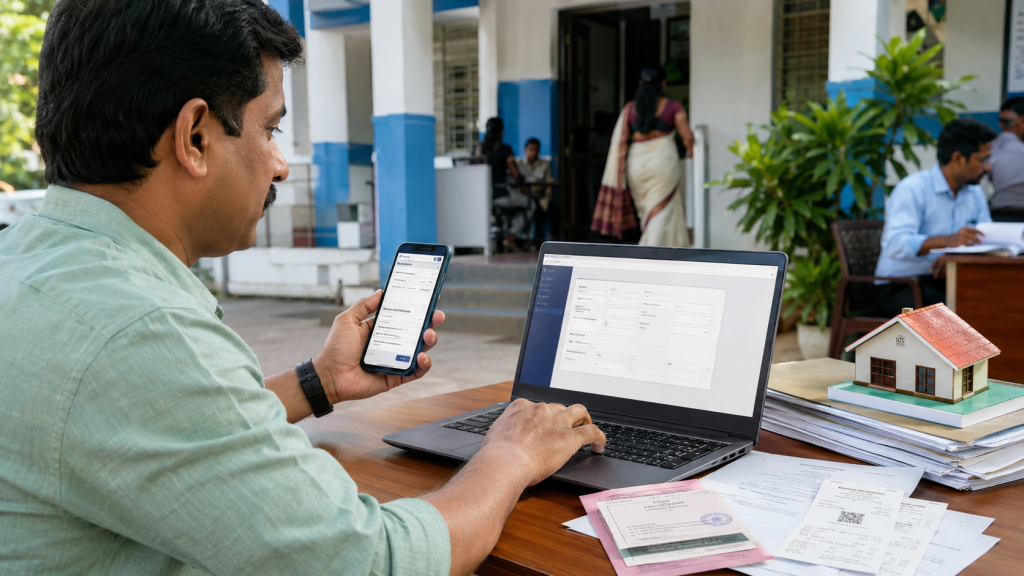
After purchasing, inheriting, or receiving a property through a gift or partition deed, one important legal step is updating the property tax ownership in the new owner’s name. In Kerala, this process helps maintain accurate local body records and ensures future tax payments and certificates are issued correctly.
Today, many municipalities, corporations, and panchayats provide online services through K-SMART Kerala Portal, making the ownership transfer process simpler and faster.
What is Property Tax Ownership Change?
Property tax ownership change means updating building or property tax records from the previous owner’s name to the new owner’s name in local self-government records.
This process is commonly required after:
- Property purchase
- Inheritance
- Gift deed
- Settlement deed
- Partition deed
- Legal heir transfer
Without updating the ownership details, future tax receipts may continue showing the old owner’s name, which can create problems during resale, loans, or legal verification.
Why is Property Tax Transfer Important?
Changing property tax ownership helps:
- Maintain correct ownership records
- Avoid future legal disputes
- Receive tax receipts in the new owner’s name
- Apply for building-related services easily
- Simplify future property sale or bank loan procedures
The transfer is usually linked with mutation procedures handled by the local body or village office.
Role of Local Self Government Department Kerala
The Kerala Local Self Government Department oversees local administration services related to property tax, building records, and ownership updates across Kerala.
Many urban and rural local bodies now use K-SMART Kerala for online applications, status tracking, and digital approvals.
Documents Required for Ownership Transfer
Applicants generally need the following documents:
- Registered sale deed, gift deed, or partition deed copy
- Latest property tax receipt
- Aadhaar Card
- Possession certificate (if required)
- Encumbrance Certificate in some cases
- Application form or online request details
For online submission, scanned copies should be clear and readable.
How to Change Property Tax Ownership Online in Kerala
Step 1: Visit K-SMART Kerala
Open the official K-SMART Kerala Portal.
Step 2: Login or Register
Create a user account or log in using your credentials.
Step 3: Select Ownership Transfer Service
Choose the property tax or ownership correction service available under citizen services.
Step 4: Enter Property Details
Fill in:
- Property number
- Previous owner details
- New owner information
- Building and survey details
Step 5: Upload Documents
Upload all required supporting documents carefully.
Step 6: Submit Application
Submit the request and save the application or reference number for tracking.
Verification and Approval Process
After submission:
- Local authorities verify ownership documents
- Property details are checked with existing records
- Field inspection may be conducted if necessary
- Pending taxes are verified before approval
Once approved, future property tax receipts will be issued in the new owner’s name.
Offline Method Also Available
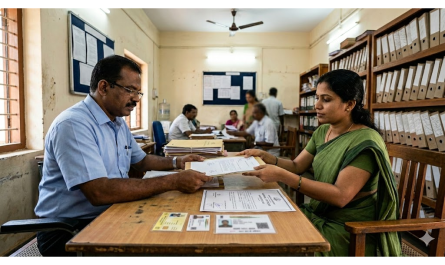
If online service is unavailable in your area, applicants can directly visit the local municipality, corporation, or panchayat office and submit the application manually.
Service details and department information are available through the Kerala Local Self Government Department website.
Common Mistakes to Avoid
- Uploading unclear documents
- Entering wrong survey or building numbers
- Applying before deed registration completion
- Ignoring pending property tax dues
- Mismatch between deed details and tax records
Always verify all details carefully before submission.
Final Thoughts
Property tax ownership change in Kerala is an essential process after any property transfer. Whether completed online through K-SMART Kerala or directly through local body offices, updating ownership records ensures legal clarity, smooth tax payments, and accurate future documentation for property owners.
KSRTC Swift App Bus Booking Guide 2026 – Step-by-Step Online Ticket Booking Process
All OTT, Movie & Web Series Updates in One Digital Hub