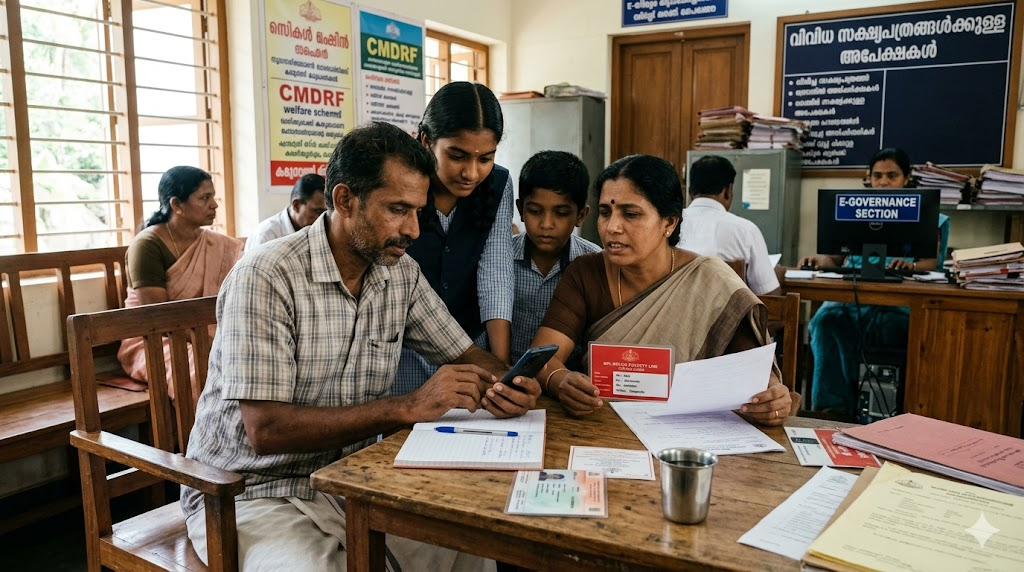
A Destitute Certificate is an important document issued to financially weak individuals or families who do not have enough income or support for daily living expenses. In Kerala, this certificate is commonly required for BPL category benefits, Antyodaya schemes, welfare pensions, educational assistance, and various government support programs.
The certificate is issued through the Revenue Department Kerala and applications can now be submitted online through the e-District Kerala Portal.
What is a Destitute Certificate?
A Destitute Certificate officially confirms that a person or family is living in poor financial condition without stable income or proper support.
This certificate is often needed for:
- Antyodaya Anna Yojana benefits
- Welfare pensions
- Financial assistance schemes
- Educational support programs
- Free medical treatment schemes
- Government aid and relief programs
It helps eligible families receive government welfare benefits more easily.
Who Can Apply?
Generally, the following people may apply:
- BPL families
- Extremely poor individuals
- Elderly people without family support
- Widows without regular income
- Physically challenged persons with low income
- People without stable financial assistance
Final eligibility depends on government verification and supporting documents.
Documents Required
Applicants usually need these documents:
- Aadhaar Card
- Ration Card
- Income Certificate
- Address Proof
- Passport-size photo
- Mobile number
- Bank account details (if required)
Additional documents may be requested during verification.
Detailed Step-by-Step Guide to Apply Online for Destitute Certificate Kerala
Applicants can apply online through the e-District Kerala Portal. The process is simple if all documents are ready before starting.
Step 1: Visit the e-District Kerala Website
Open the official e-District Kerala portal on your mobile phone or computer.
Official website:
📄 Visit e-District Kerala Official Portal
The portal provides online certificate services under the Revenue Department Kerala. (eDistrict Kerala)
Step 2: Create an Account (New Users)
If you are using the portal for the first time:
- Click “Portal User Registration”
- Enter:
- Name
- Date of birth
- Address
- District
- Mobile number
- Aadhaar number
- Create login ID and password
- Complete OTP verification
- Submit registration
The portal asks for Aadhaar-linked mobile verification during registration. (eDistrict Kerala)
If you already have an account, simply login using your username and password. (eDistrict Kerala)
Step 3: Login to Your Account
After registration:
- Open the login page
- Enter:
- Login name
- Password
- Captcha code
- Click “Login”
Step 4: Open Certificate Services
After login:
- Go to “Certificate Services”
- Select “Revenue Certificates”
- Choose “Destitute Certificate”
The e-District system provides many Revenue Department certificates online. (India.gov.in)
Step 5: Fill Applicant Details Carefully
Enter all required information exactly as shown in official documents.
Usually required details include:
- Applicant name
- Address
- Aadhaar number
- Mobile number
- Family details
- Income details
- Financial condition
- Purpose of certificate
Avoid spelling mistakes while filling names and address.
Step 6: Upload Required Documents
Upload scanned copies or clear photos of documents such as:
- Aadhaar Card
- Ration Card
- Income Certificate
- Address proof
- Passport-size photo
- Bank details (if required)
Documents are usually uploaded in PDF or JPEG format. Clear files help faster approval. (CitizenNest)
Step 7: Pay Application Fee
After uploading documents:
- Proceed to payment
- Pay the application fee online using:
- UPI
- Debit card
- Net banking
Fee amount may vary depending on service charges. (Akshaya Web Portal)
Step 8: Submit Application
Before final submission:
- Recheck all details
- Verify uploaded documents
- Confirm mobile number
Then click “Submit”.
Step 9: Save Acknowledgment Number
After successful submission:
- Application number will appear on screen
- Save or screenshot the acknowledgment receipt
This number is needed to track application status later.
Step 10: Village Office Verification
After submission:
- Village Office officials verify financial condition
- Revenue officials may conduct local inquiry
- Documents and income details are checked
Incorrect information can delay approval.
Verification Process
After submission, the application goes through official verification.
The process may include:
- Village Office verification
- Local inquiry by revenue officials
- Checking income and financial condition
- Verification of uploaded documents
If approved, the certificate becomes available online for download.
Common Mistakes to Avoid
Many applications get delayed because of small mistakes. Avoid these common problems:
- Uploading unclear document copies
- Incorrect income details
- Aadhaar and ration card name mismatch
- Wrong mobile number
- Spelling mistakes in application form
Always double-check details before final submission.
Important Tips for Faster Approval
- Upload clear scanned documents
- Ensure Aadhaar details are correct
- Keep income details accurate
- Use an active mobile number
- Respond quickly if officials request additional documents
Correct information helps speed up approval.
Processing Time
Processing time depends on verification and local office workload. Many applications are processed within a few working days after successful verification.
More details are available at the Kerala Revenue Department website.
Final Thoughts
The Destitute Certificate Kerala is highly useful for financially struggling families seeking welfare benefits, pensions, and government assistance programs. With online services through e-District Kerala, eligible applicants can now complete the process more easily without repeated office visits.
📄 Visit e-District Kerala Official Portal
SRTC Swift App Bus Booking Guide 2026 – Step-by-Step Online Ticket Booking Process
All OTT, Movie & Web Series Updates in One Digital Hub