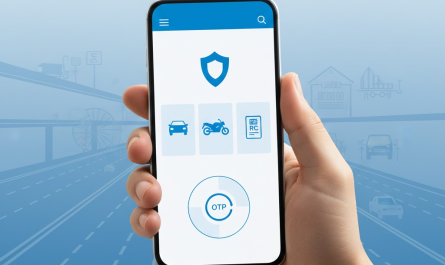
Vehicle ownership transfer is a mandatory legal process that must be completed whenever a vehicle is sold, purchased, inherited, or transferred in any other lawful manner. If ownership is not updated in official records, the previous owner may continue to receive traffic challans, legal notices, or tax liabilities.
To simplify this process, the Government of India allows citizens to transfer vehicle ownership online through a centralized digital system. This guide explains the complete procedure in a clear and practical manner so that both buyers and sellers can complete the transfer smoothly and remain legally compliant.
What Is Vehicle Ownership Transfer?
Meaning of ownership transfer
Vehicle ownership transfer refers to updating the Registration Certificate (RC) to reflect the name of the new owner in government records.
When it is legally required
Ownership transfer is required in cases of:
- Sale or purchase of a vehicle
- Death of the registered owner
- Court or bank auction
- Transfer within family
Importance of timely transfer
As per motor vehicle laws, RC transfer must be completed within the prescribed time limit. Delay may result in penalties or legal complications.
Types of Vehicle Ownership Transfer
Different situations require different types of RC transfer online or offline:
- Transfer after sale: Most common case between buyer and seller
- Transfer due to death of owner: Legal heir transfers ownership
- Transfer through auction: Vehicle purchased from bank or authority
- Transfer within family: Transfer among blood relatives
Each category may require additional documents.
Who Can Apply for Online Vehicle Ownership Transfer?
The Parivahan ownership transfer facility can be used when:
- Both buyer and seller are identifiable
- Vehicle has a valid registration number
- RC, insurance, and PUC are active
- Vehicle is not blacklisted or under legal dispute
The buyer usually initiates the online RC transfer India process with seller consent.
Documents Required for Vehicle Ownership Transfer
Before starting the process, keep these documents ready:
- Registration Certificate (RC)
- Form 29 & Form 30 (notice and application for transfer)
- Valid insurance certificate
- Pollution Under Control (PUC) certificate
- Address proof of buyer
- ID proof of buyer and seller
- Death certificate (if transfer is due to death)
Uploading correct documents ensures faster approval.
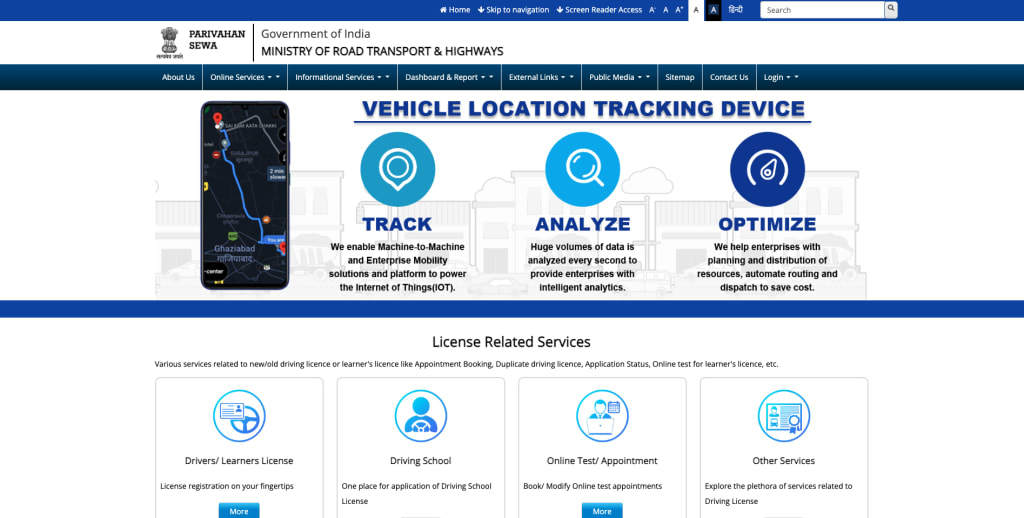
Official Website for Online Transfer
Vehicle ownership change online can be done only through the official portal:
Parivahan Official Portal
This portal is managed by the Ministry of Road Transport and Highways.
⚠️ We should strictly avoid agents, brokers, or fake websites claiming instant RC transfer services.
How to Transfer Vehicle Ownership Online – Step-by-Step Process
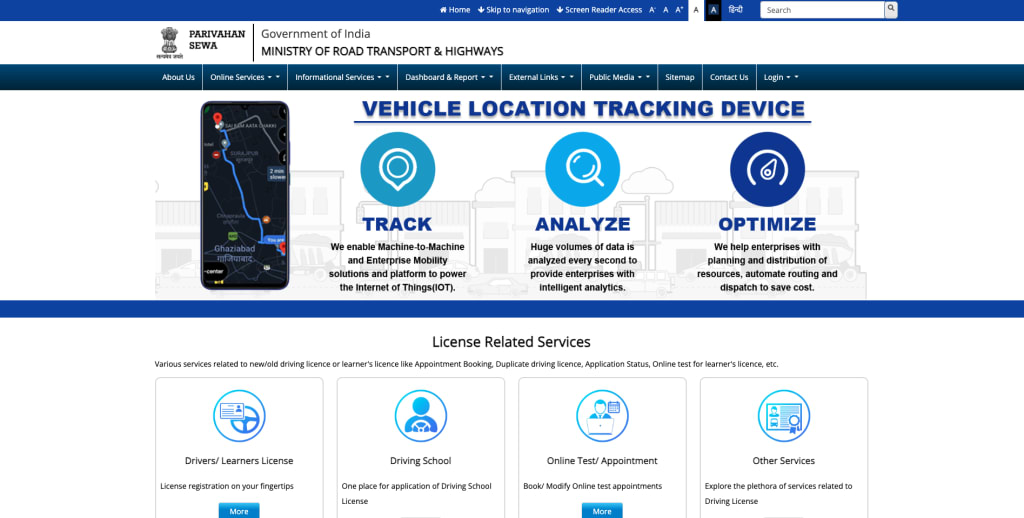
Follow these steps carefully to transfer vehicle ownership online:
Step 1: Visit the official Parivahan website
Open parivahan.gov.in in your browser.
Step 2: Select “Online Services” → “Vehicle Related Services”
Click on the appropriate option from the homepage.
Step 3: Enter vehicle registration number
Enter the RC number exactly as printed on the certificate.
Step 4: Choose “Transfer of Ownership”
Select the ownership transfer service from the list.
Step 5: Enter seller and buyer details
Provide accurate personal and address details.
Step 6: Upload required documents
Upload scanned copies of forms and certificates.
Step 7: Pay applicable fees online
Fees can be paid using UPI, net banking, or card.
Step 8: Book appointment (if required)
Some cases may require an RTO visit for verification.
Step 9: Submit application and note acknowledgment number
Keep the acknowledgment number for tracking.
Offline Verification (If Required)
In certain situations, physical verification at the RTO is required:
- Chassis number inspection
- Signature verification
- Document mismatch resolution
Carry original documents and appointment receipt if called.
Fees for Vehicle Ownership Transfer
The fee for online RC transfer India generally includes:
- Ownership transfer fee
- Smart card fee (if applicable)
The exact amount may vary based on:
- Vehicle type (two-wheeler / four-wheeler)
- State or RTO
- Mode of transfer
The payable amount is clearly shown on the Parivahan portal.
Processing Time for Ownership Transfer
- Online submission: Immediate
- Verification & approval: Usually 7–14 working days
- RC update: Digital RC issued first, physical RC later
Timelines may vary depending on RTO workload.
How to Check Vehicle Ownership Transfer Status
We can track the application status by:
- Visiting the Parivahan portal
- Selecting “Application Status”
- Entering acknowledgment number
SMS updates are also sent to the registered mobile number.
Common Issues & Solutions
Pending seller confirmation
Ensure seller completes OTP or confirmation step.
Document mismatch
Upload clear and correct documents.
Insurance expiry
Renew insurance before applying.
Address issues
Update address before initiating RC transfer online.
Important Tips for Successful Transfer
- Complete transfer within legal time limit
- Ensure insurance is transferred or updated
- Keep payment receipts and acknowledgment
- Avoid middlemen and unofficial agents
These steps help complete vehicle ownership change smoothly.
Frequently Asked Questions (FAQs)
Is online transfer mandatory?
Online transfer is the preferred and recommended method.
Can transfer be done without seller?
Usually no, except in death or court order cases.
Is RC updated digitally?
Yes, digital RC is updated first and is legally valid.
Conclusion
Completing transfer vehicle ownership online through the Parivahan portal is the safest and most transparent way to update RC details in India. It protects both buyer and seller from legal risks, ensures compliance with motor vehicle laws, and provides quick access to updated digital records. We strongly encourage all citizens to use the official Parivahan ownership transfer service and complete the process promptly after any vehicle transfer.